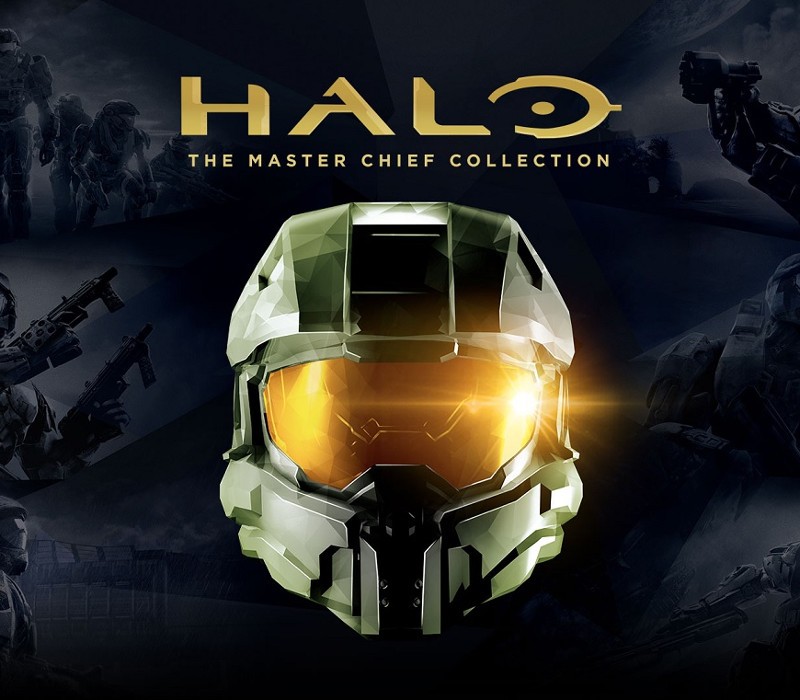
Includes: Halo: Reach, Halo: Combat Evolved Anniversary, Halo 2: Anniversary, Halo 3, Halo 3: ODST, Halo 4 For the first time, the series that changed console gaming forever comes to PC with six blockbuster games in one epic experience. This bundle includes all titles in the collection that will be delivered over time, beginning now with Halo: Reach and ending with Halo 4 in 2020. Features PC Settings/Optimizations: Halo: The Master Chief Collection is now optimized for PC and looking better than ever at up to 4k UHD and at 60+ FPS.* Many games in the collection will include other setting options like customizable mouse and keyboard support, ultrawide support, FOV customization, and more. Campaign: Featuring Halo: Reach, Halo: Combat Evolved Anniversary, Halo 2: Anniversary, Halo 3, Halo 3: ODST Campaign, and Halo 4, The Master Chief Collection offers players their own exciting journey through the epic saga. Starting with the incredible bravery of Noble Six in Halo: Reach and ending with the rise of a new enemy in Halo 4, the games will release in order of the fictional story. When complete, the Master Chief’s saga will total 67 campaign missions. Multiplayer: Each game released into The Master Chief Collection brings its own multiplayer maps, modes and game types. When finished, the collection will have the most diverse and expansive Halo multiplayer experience to date, with more than 120 multiplayer maps.
Total Reviews: 0
AVG Rating: 0.0

Need to get in touch with us ? Please contact with us with email.

Copyright © 2026 Giftily-Dz All Rights Reserved